Erlang by Docker Simple Start
- Solving the System Multi-Version Compilation Issue
- Building on macOS Monterey
Issue
- macOS Monterey does not support installing Erlang versions earlier than Erlang/OTP 22.3
- Solution: Using Erlang/OTP 19.3.6.13
- Using Docker to build your environment is smaller and faster, and allows for coexistence of different layers, making it more convenient than VMs.
Resources
Installing Docker on macOS Monterey
docker --version
Docker version 20.10.10, build b485636
macOS
For macOS users, click the Docker Desktop app icon in the taskbar -> Perferences. Select Docker Engine in the left navigation menu. Edit the .json file on the right as shown below. After the changes are complete, click the Apply & Restart button. Docker will restart and apply the configured image address.
{
"registry-mirrors": [
"https://hub-mirror.c.163.com",
"https://mirror.baidubce.com"
]
}
Getting Started
Obtaining the Base System Image
docker pull centos:centos7

docker image ls -a
REPOSITORY TAG IMAGE ID CREATED SIZE
centos centos7 eeb6ee3f44bd 2 months ago 204MB
Creating the centos:centos7dev Image
- Start a centos7dev container based on centos:centos7
docker run -dit --name centos7dev centos:centos7
- Enter the centos7dev container and install make, gcc, and iproute
docker exec -it centos7dev bash

yum install make gcc -y
yum install iproute -y
- Exit the centos7dev container and commit the container to create the centos:centos7dev image.
exit
docker container stop centos7dev

docker commit \
-author "ccxyz" \
-message "centos 7 erlang dev base" \
centos7dev \
centos:centos7dev
- View the results
docker image ls -a
REPOSITORY TAG IMAGE ID CREATED SIZE
centos centos7dev a6a7f1f70676 18 hours ago 431MB
centos centos7 eeb6ee3f44bd 2 months ago 204MB
Create the centos:centos7erl19 image
- Start a container based on centos:centos7dev erl19 container
docker run -dit --name erl19 centos:centos7dev
- Enter the erl19 container and install Erlang 19 using the company’s yum repository.
docker exec -it erl19 bash

mkdir -p /etc/yum.repos.d
cd /etc/yum.repos.d
vi ccxyz.repo
[ccxyz]
gpgcheck=0
enabled=1
name=ccxyz centos
priority=1
baseurl=http://ccxyz:Iji7jb5w7CoZ4urT9LGP@yum-pub-ccxyz.com:8080/centos/$releasever/$basearch/

# Save and exit vi

yum install erlang-19.3 -y
- Exit erl19 Create a container and commit it to create the centos:centos7erl19 image.
exit
docker container stop erl19

docker commit \
-author "ccxyz" \
-message "centos 7 erlang 19 dev" \
erl19 \
centos:centos7erl19
- View the results
docker image ls -a
REPOSITORY TAG IMAGE ID CREATED SIZE
centos centos7erl19 d94c62874633 18 hours ago 690MB
centos centos7dev a6a7f1f70676 18 hours ago 431MB
centos centos7 eeb6ee3f44bd 2 months ago 204MB
Create the target project container
- Based on centos:centos7erl19 Start a d34 container
docker run -dit \
-p 8001:8001 -p 9001:9001 -p 9201:9201 \
--name d34 \
-v /Users/caocc/data:/data \
-v /Users/caocc/svn:/svn \
centos:centos7erl19
- \ -p 8001:8001 Configure the host bridge port
- \ -v /Users/caocc/data:/data Configure the host project shared directory
- Enter the d34 container, which is equivalent to running the d34 project in CentOS 7.
docker exec -it d34 bash
cd /svn/d34/server/trunk
make all
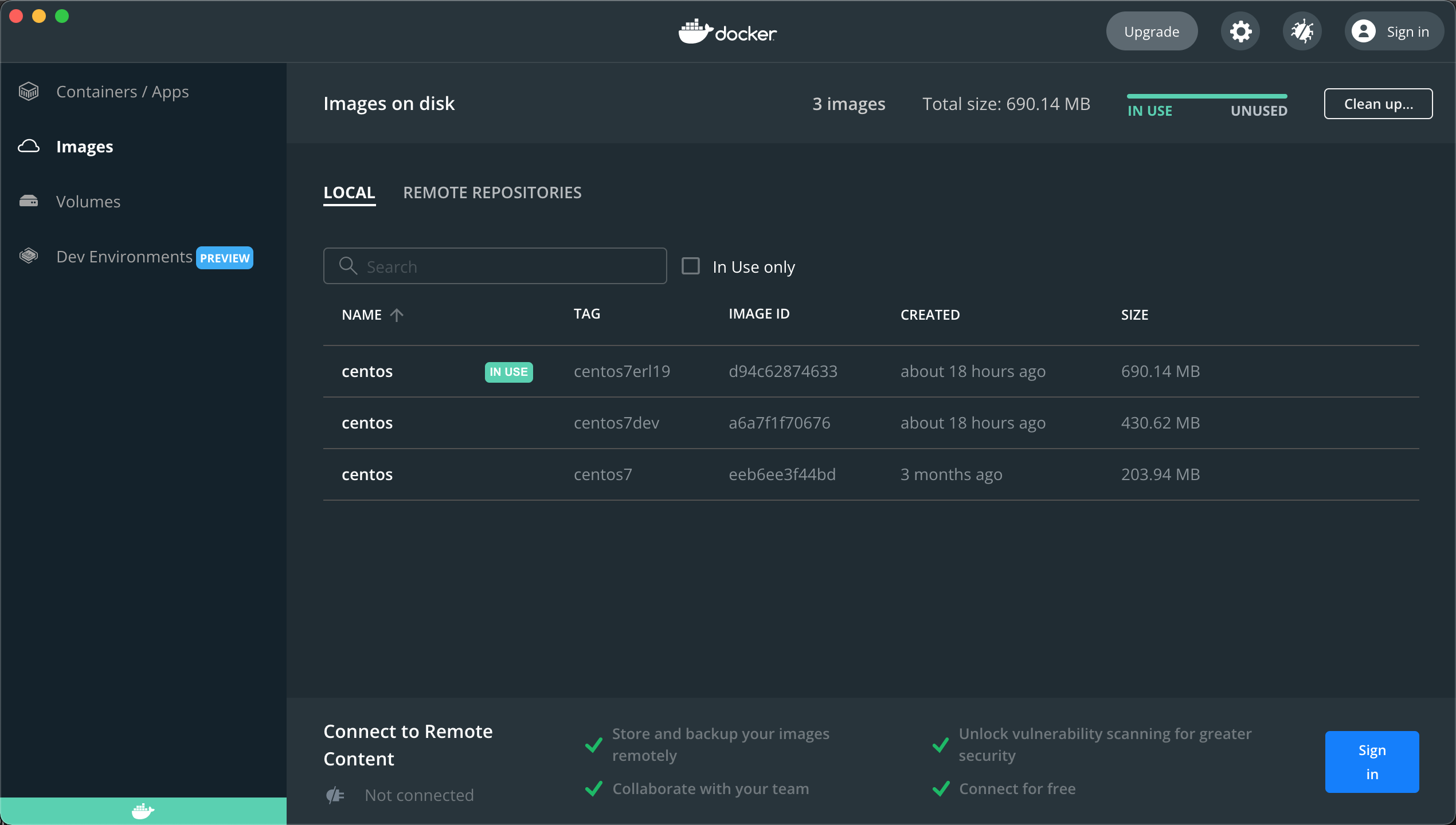
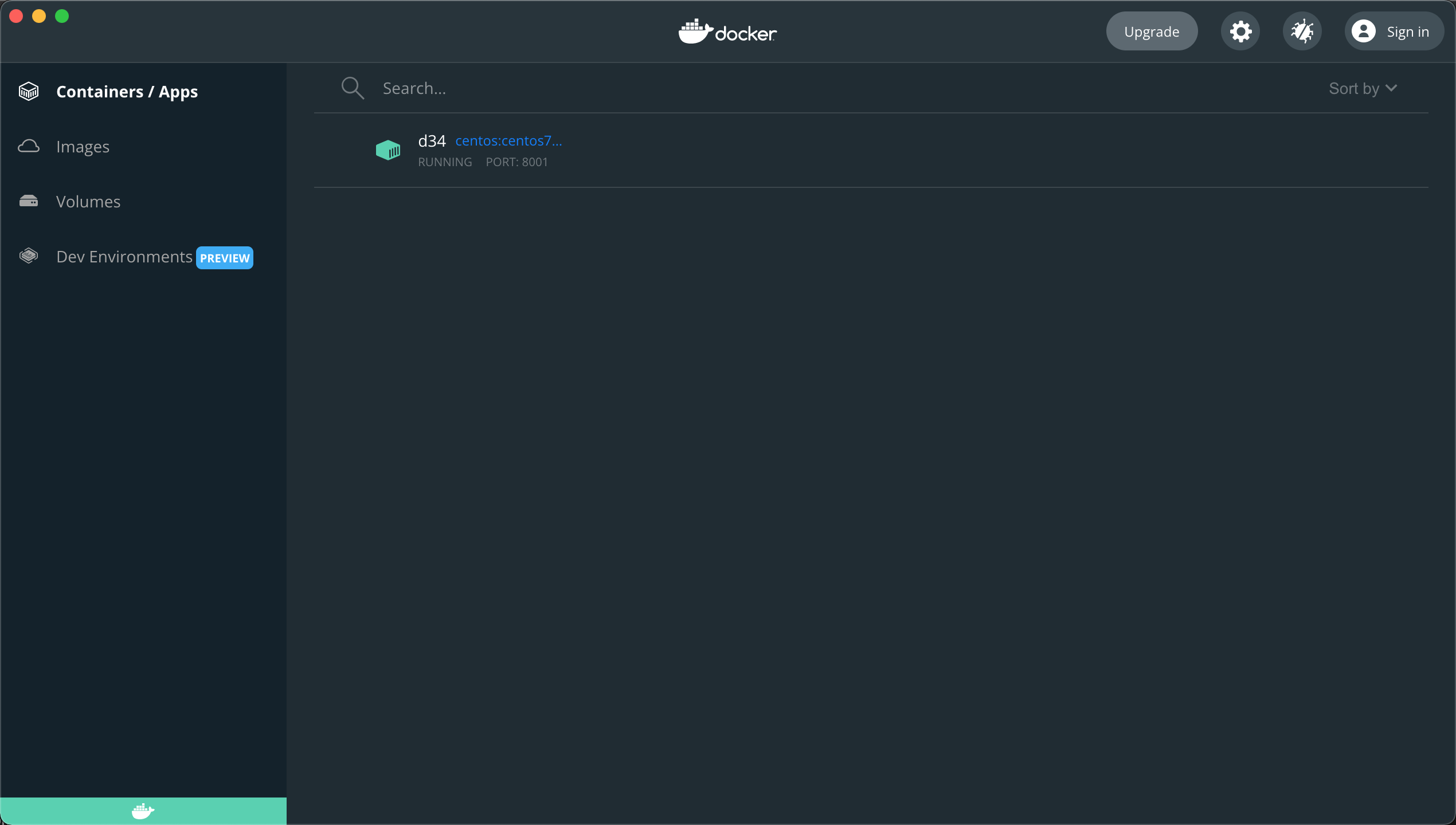
Result image
- Image
- Container
Quickly create a centos:centos7erl19 image using a Dockerfile
Initial image
docker pull centos:centos7
Create an empty directory
mdkir centos7erl19
cd centos7erl19
Create a Dockerfile
## Create an Erlang 19 CentOS 7 development environment

FROM centos:centos7

## Install make gcc iproute
RUN yum install make gcc -y
RUN yum install iproute -y

## Add the ccxyz repository to yum
RUN mkdir -p /etc/yum.repos.d
COPY ccxyz.repo /etc/yum.repos.d/ccxyz.repo
RUN cat /etc/yum.repos.d/ccxyz.repo

## Installation
RUN yum install erlang-19.3 -y
Create the yum repository configuration file ccxyz.repo
[ccxyz]
gpgcheck=0
enabled=1
name=ccxyz centos
priority=1
baseurl=http://ccxyz:Iji7jb5w7CoZ4urT9LGP@yum-pub-ccxyz.com:8080/centos/$releasever/$basearch/
Execute the build
cd centos7erl19
docker build -t centos:centos7erl19 .
View the results
docker image ls -a
REPOSITORY TAG IMAGE ID CREATED SIZE
centos centos7erl19 e89d4d5ba190 9 minutes ago 802MB
centos centos7 eeb6ee3f44bd 2 months ago 204MB
Build the project development environment
docker run -dit \
-p 8001:8001 -p 9001:9001 -p 9201:9201 \
--name d34 \
-v /Users/caocc/data:/data \
-v /Users/caocc/svn:/svn \
centos:centos7erl19